What is SSL and Why It Matters for Business
- by The it.com Domains Team
Table of contents
SSL has become a fundamental part of how users, browsers, and even search engines evaluate a website. Understanding why this warning appears and how SSL works is essential to maintaining credibility, protecting user data, and ensuring a consistent online presence.
What Is SSL and How It Works
SSL (Secure Sockets Layer) is a technology that encrypts the connection between a user's browser and your website. In practice, this means that any data transferred between them is protected from interception.
The easiest way to see SSL in action is to look at the website’s address:
- http:// — the connection is unencrypted;
- https:// — the connection is secure.
The ‘s’ stands for secure. When SSL is enabled, the browser confirms that the connection is secure, and the user sees no warnings.
How SSL Can Trigger a ‘Not Secure’ Warning
In most cases, a ‘Not Secure’ warning doesn’t mean the site is hacked or dangerous. More often than not, the cause is rooted in SSL certificates’ handling.
- the site doesn't have an SSL certificate installed;
- the certificate is installed but has expired;
- the SSL is configured incorrectly.
Modern browsers don’t explain the details, they simply label the site. For the user, this is enough; the warning is perceived as a risk signal, even if everything is technically working correctly.
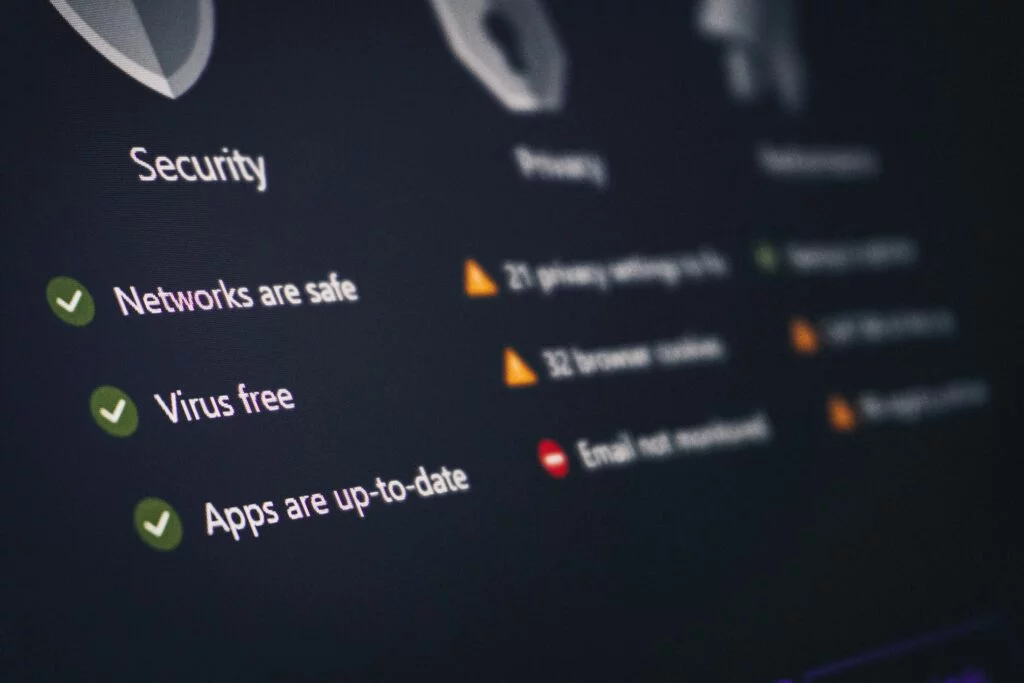
A lot of people assume that if a site isn’t using SSL, it should be unsafe. That’s not completely true. A website can function perfectly without SSL, it’s just missing that trust signal browsers now expect.
Browsers don’t say, “This site might be fine, but it isn’t encrypted.” They simply say “Not Secure.” And users don’t think twice. When trust feels even slightly off, they close the tab. That hesitation is where you lose them.
Why SSL Matters for Trust and Business
Not long ago, SSL was mainly for online stores or sites handling sensitive data, but now it’s the standard everywhere.
That shift comes from two places:
1. User behavior. People don’t always understand encryption, but they do understand signals. ‘HTTPS’ means safe. ‘Not Secure’ means risk.
2. Search engine priorities. Google loves HTTPS. It’s a small but real ranking factor that can give your site an edge over time.
Even the simplest sites today handle data, contact forms, newsletter signups, and analytics. SSL keeps all of that private.
How to Set Up SSL on Your Domain
Years ago, setting up SSL was technical torture, generating keys, installing certificates, and praying nothing broke. That’s how it got its complicated reputation.
Now it's nearly automatic. Most providers include free SSL certificates that install in a few clicks and renew themselves in the background.
If you’re using a common platform, you can enable SSL in minutes:
- GoDaddy: How to install SSL;
- Namecheap: SSL activation guides;
- Dynadot: Enable free SSL.

If for some reason you need to set up SSL yourself, it’s quite easy:
- Log in to your hosting or domain account.
- Find the SSL or Security section.
- Enable the certificate and turn on auto-renew.
Finally, make sure your site forces HTTPS, otherwise some visitors will still land on the old, non-secure version.
That’s it. No coding, no guesswork. Just a quick fix that makes your site look more polished right away.
Common SSL issues and how to fix them
Even with SSL enabled, warnings may still appear. These are most often related to configuration details:
- Expired certificate. If automatic renewal fails, the browser will display the warning again.
- Mixed content. Some website elements (such as images or scripts) are loaded via HTTP.
- Incorrect redirects. The user may be redirected to an insecure version of the website.
These issues are usually easy to fix, but it's important to detect them promptly.
SSL is more than a security checkbox. It’s a trust signal. It’s what tells visitors your site is legitimate, professional, and safe to engage with.
The best part? It takes just a few minutes to set up, and once you do, it runs quietly in the background. Turn it on, keep it renewed, and your website instantly looks and feels more complete.
FAQs
What does ‘Not Secure’ mean in a browser?
This means the connection to the site is not encrypted or the SSL certificate is configured incorrectly. This doesn't necessarily mean the site is malicious, but it does lower the level of trust.
Is SSL required for a website?
Technically, no. But in practice, yes. Without SSL, the site will appear unsafe to users and may lose traffic.
Can I use a free SSL?
Yes. Most hosting providers offer free certificates, which are sufficient for most websites.
Why does the site still show a warning after installing SSL?
Possible causes: the certificate has expired, a redirect to HTTPS isn’t configured, or the site contains elements loaded via HTTP.
Do I need to renew my SSL manually?
Usually, no. With auto-renewal enabled, the certificate is renewed automatically.

Read also